
Authorization Code Flow with PKCE
To integrate an external web server/application with the ZoomInfo APIs, use the Authorization Code Flow with PKCE. This flow utilizes the authorization code grant type to route requests for many authorized users through a single application.
ZoomInfo requires that applications using the authorization code flow also incorporate Proof Key for Code Exchange (PKCE). The code_challenge and code_verifier must be provided with authorize and token requests respectfully. See IETF RFC 7636 for more information on PKCE.
The Authorization Code Flow with PKCE is the most common way to authorize client applications with ZoomInfo's APIs. This flow authorizes the external application to make requests on behalf of ZoomInfo users. This is important as many actions within ZoomInfo are attributed at the user-level. For example, Contact Recommendations are based on user's past interactions with ZoomInfo data: profile views, which contacts they exported to their CRM, and many other personalized factors. This flow ensures that users interacting with ZoomInfo through external applications get the same personally tailored experience through the APIs as they do through the ZoomInfo applications.
Some common use cases for this flow are:
- Independent Software Vendor (ISV) Applications - ZoomInfo ISVs that are building integrations with the ZoomInfo APIs into their applications so that mutual customers of ZoomInfo and the ISV can utilize ZoomInfo's robust datasets within all of their Go-To-Market (GTM) application suite
- In-House Integrations - Customers that want to build integrations with ZoomInfo's data into their own in-house applications
Generate an Access Token
Let's take a look at the steps required to generate an access token using the Authorization Code Flow with PKCE
- Request an Authorization Code
- User Authenticates and Authorizes Access
- ZoomInfo Grants an Authorization Code
- Exchange Authorization Code for Access Token
Request an Authorization Code
To initiate the Authorization Code Flow with PKCE, the external web server/application will make a request to ZoomInfo for an authorization code. With this authorization code, the external application can prove that the user has authorized the application to access their ZoomInfo data on their behalf and has permission to request an access token.
The request for an authorization code is made as an HTTP redirect. This is usually done by opening a new tab or a small popup window (minimum size recommended is height: 600px; width: 560px).
https://api.zoominfo.com/gtm/oauth/v1/authorize?
client_id=0oaf6t3osgvaPvy4E1d7&
redirect_uri=https%3A%2F%2Fwww.example.com%2Foauth%2Fcallback&
response_type=code&
code_challenge=C8qoqKzflBOnghT9Q0ANcCz11vzHFcB1v9SBSIcR9xA&
state=bfb6ea82-d89c-437b-975c-d7f038a93bd8
These parameters are required for each authorization code request
| Parameter | Description |
|---|---|
client_id | The identifier of the application that is requesting authorization. This identifier can be found in the ZoomInfo DevPortal by clicking on the application name in the API Apps table or clicking the Edit button on the context menu for the application. In the details page scroll down to the Client ID section to find the value for your application. |
redirect_uri | The URL where that the user will be redirected to upon successful authentication. The redirect_uri MUST match one of the values in the application's Sign-in Redirect URIs list managed in the ZoomInfo DevPortal. |
response_type | The OAuth 2.0 grant type requested by the external web service. The value must always be code to indicate that the web service is requesting an authorization code. |
code_challenge | The SHA256 hash of the code_verifier used in the token request; created as per the PKCE standard. This parameter helps to prevent authorization code interception attacks. The value must be base64url encoded as per RFC 4846. |
state | An identifier provided by the application requesting authorization to maintain state between the request and callback. If provided, this value will be passed back to the client via the callback URL when ZoomInfo grants the authorization code. This value is also intended to be used by the clients to prevent cross-site request forgery. This value must be URL encoded |
Additionally, these optional parameters may be provided in the authorization code request
Parameter | Description |
|---|---|
| A space-delimited list of scopes that application requests be applied to the generated access token. If provided, this list must be a subset of the scopes selected when the app was created in the ZoomInfo DevPortal. An authorization requests with invalid scopes will return an error response. If not provided, the full list of scopes selected when creating the application in the ZoomInfo DevPortal will be requested. See ZoomInfo OAuth 2.0 Scopes for a full list of scopes available for the ZoomInfo API |
User Authenticates and Authorizes Access
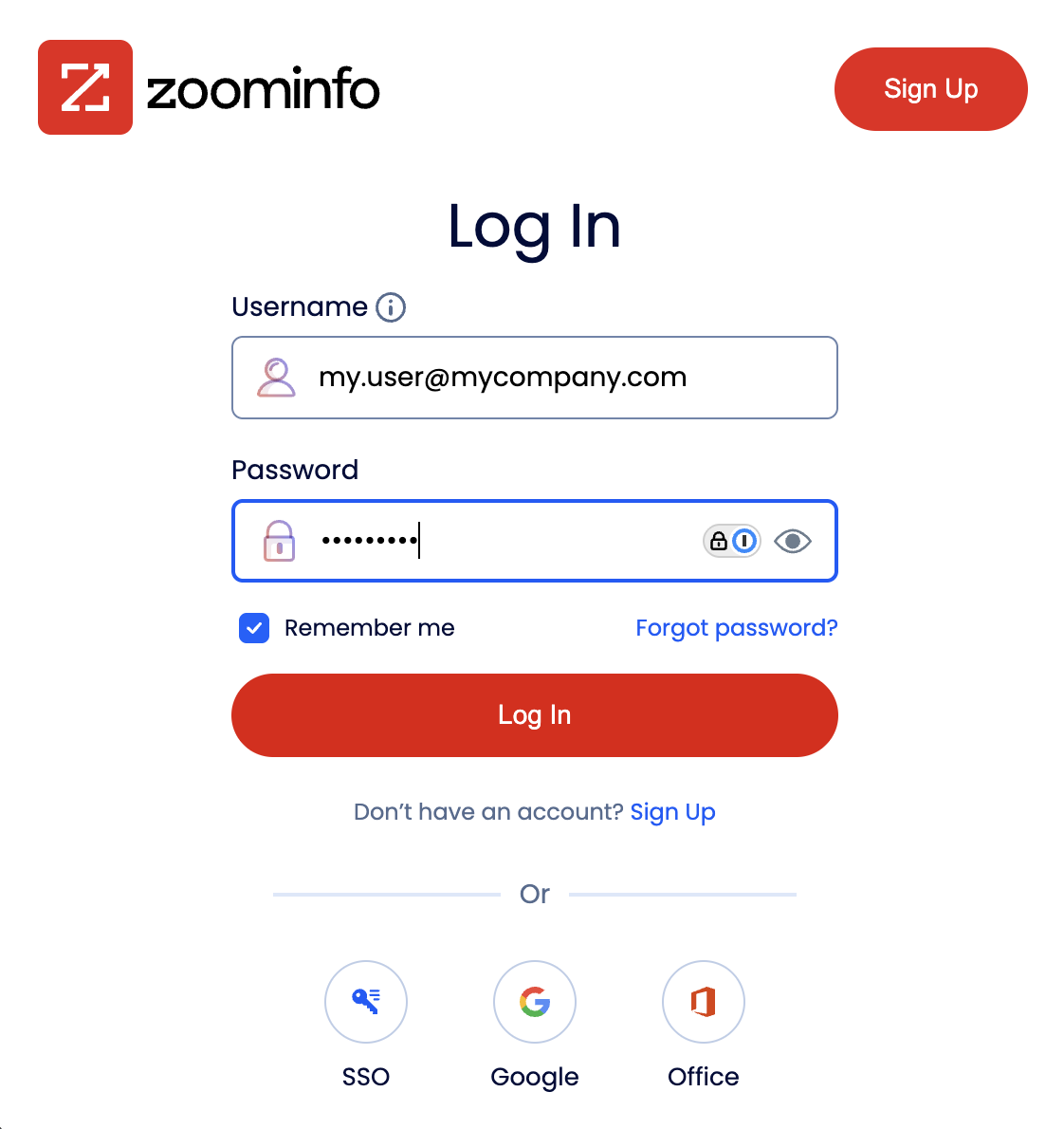
Before ZoomInfo can create the authorization code, the user needs to login to ZoomInfo.
ZoomInfo Grants an Authorization Code
After the user has authenticated and authorized the application, ZoomInfo then sends a request to the redirect_uri with the authorization code.
https://www.example.com/oauth/callback?
code=vKkAtlDe50fRP7pUPJQ6RIrpXx1PmwAzW19tT4RUit8&
state=bfb6ea82-d89c-437b-975c-d7f038a93bd8| Parameter | Description |
|---|---|
code | The authorization code that the external client can use to request an access token |
state | If provided during the initial request for authorization code, the same value will be returned in this parameter |
Exchange Authorization Code for Access Token
Finally, the external client exchanges the authorization code provided by ZoomInfo for the access token by send a request to the token endpoint.
This request contains the client_id and client_secret that are used to identify and verify that the external client. There are two ways to provide the credentials to the token endpoint: HTTP Basic Authentication Scheme or Request Body Parameters. The HTTP Basic Authentication Scheme is the recommended method for providing client identification. If the Authorization header is provided, any client identification provided in the request body will be ignored.
POST https://api.zoominfo.com/gtm/oauth/v1/token
Authorization: Basic *********************************
Content-Type: application/x-www-form-urlencoded
Accept: application/json
grant_type=authorization_code&
code=vKkAtlDe50fRP7pUPJQ6RIrpXx1PmwAzW19tT4RUit8&
code_verifier=QC5zAPqWtytPwzo21qeajWDDpoxcRGA_gbALA7ZtFtU&
redirect_uri=https%3A%2F%2Fwww.example.com%2Foauth%2Fcallback
POST https://api.zoominfo.com/gtm/oauth/v1/token
Content-Type: application/x-www-form-urlencoded
Accept: application/json
grant_type=authorization_code&
code=vKkAtlDe50fRP7pUPJQ6RIrpXx1PmwAzW19tT4RUit8&
code_verifier=QC5zAPqWtytPwzo21qeajWDDpoxcRGA_gbALA7ZtFtU&
redirect_uri=https%3A%2F%2Fwww.example.com%2Foauth%2Fcallback&
client_id=0oaf6t3osgvaPvy4E1d7&
client_secret=***************************| Parameter | Description |
|---|---|
grant_type | The type of validation that the client can provide to prove it can be issued access tokens. For this flow the value is always authorization_code |
code | The temporary authorization code provided by the authorization server. |
redirect_uri | The URL used as the callback for this authorization. The redirect_uri MUST match one of the values in the application's Sign-in Redirect URIs list managed in the ZoomInfo DevPortal. |
code_verifier | A high-entropy cryptographic random string of up to 128 bytes. For more information on PKCE code verifiers see RFC 7636. The value must be base64url encoded as defined in RFC 4846 |
Upon successful verification of the external client's credentials and authorization details, ZoomInfo's authorization server will respond with the access token. The response will always be encoded in the application/json content type.
{
  "access_token": "eyJraWQiOiJKdThxUW1tTUx1SG9QSEFVQlJnUmh...jnIn951t3kLf6VZ6SOsYKSVY9kGeNbCGkufCNLQ",
  "expires_in": 1000,
  "id_token": "eyJraWQiOiJKdThxUW1tTUx1SG9QSEFVQlJnUmh...CUxqHWQpbUXU0TTuzrQilNWEoggi5haJkQ",
  "refresh_token": "7PV7YVxG0UswgzFFaX-mDMoVRIgN5WEfLS0hfx9qSDo",
  "scope": "api:data:company api:data:contact api:audience:read...",
  "token_type": "Bearer"
}| Parameter | Description |
|---|---|
access_token | OAuth token that can be used by applications calling the ZoomInfo API |
expires_in | The length of time, in seconds, that the access token is valid |
id_token | A signed JWT that contains claims about the authentication event and the authenticated user. Unlike an access token (which authorizes access to resources), the ID token is intended for the client application to verify the user's identity. |
refresh_token | This token can be used to refresh the access_token when it has expired. This value is a secret, please protect it accordingly. For more information on how to utilize this token see Refresh Token Flow. |
scope | The list of scopes that are applied to this access token |
token_type | Denotes the type of token provided. This value will always be "Bearer" but is included for completeness. This indicates that this token is meant to be included in the Authorization header using the bearer format. See RFC-6750 for more information on Bearer token usage in OAuth. |